Many people search for ways to combine PDF files free, only to discover that many tools are not actually free. Some require account creation. Others limit you to two files before asking for payment. A few add watermarks or restrict file sizes.
This slows you down when all you need is to merge a few documents quickly.
Fortunately, some tools still let you combine PDF files for free without creating an account. These process files directly in your browser and remove them automatically once the task is finished.
This guide covers how modern PDF mergers work, which features actually matter, and which tools offer the best experience in 2026. You will also see how to evaluate privacy, file limits, and performance to find the right tool for your workflow.
Why No Sign-up Tools Are the New Standard in 2026
Over the past few years, users have become more cautious about uploading documents to online services. Many free tools now require an email address to process files, raising privacy concerns and slowing workflow.
As a result, no sign-up PDF tools are becoming the preferred option.
There are a few reasons for this shift.
Privacy protection
Sensitive documents such as invoices, contracts, or HR records often contain personal information. Uploading them to services that require accounts may store your data longer than necessary.
Modern tools now use session-based processing, where files are handled temporarily and then deleted.
Faster workflow
If you need to merge a few PDFs quickly, creating an account only slows you down. A tool that lets you upload, arrange, and download right away saves valuable time.
Less inbox clutter
Many free platforms require sign-up primarily to send marketing emails. Tools that skip this step remove unnecessary friction.
The most reliable PDF tools now follow a simple rule: process files quickly, protect privacy, and delete documents automatically after the job is done.
What Makes a High Quality PDF Merger?
Not all PDF mergers work the same way. Some simply stitch files together, which can break links or change formatting. Better tools preserve document structure and metadata.
Knowing which features matter helps you choose a reliable free PDF merger.
Drag and Drop File and Page Reordering
The best PDF mergers provide a visual interface so you can rearrange files before merging.
Typical capabilities include:
- Drag and drop file arrangement.
- Page-level reordering
- Page rotation
- Batch processing for multiple files
This makes it easy to organize reports, presentations, or scanned contracts before combining them.
For example, if you upload three PDFs with different chapters, you can reorder them to create a single, organized file.
Preserving Links, Forms, and Bookmarks
Many PDFs include interactive elements like hyperlinks, form fields, or bookmarks. Lower quality mergers often remove these features or flatten them.
High quality tools preserve:
- hyperlinks within documents
- table of contents bookmarks
- interactive form fields
This matters when merging manuals, training materials, or internal documentation where navigation and interactivity are important. Good PDF mergers also keep both vector graphics and images intact, so visual quality does not suffer after merging.
Metadata Management
PDF files contain metadata such as:
- author name
- document title
- keywords
- creation date
When you merge several documents, professional tools preserve this metadata rather than remove it.
Keeping metadata helps with indexing, archiving, and searching documents later.
Handling Large Files
File size limits are a common frustration with free PDF tools. Many platforms cap uploads at 25 MB or 50 MB.
Large files like scanned reports or image-heavy presentations often exceed these limits.
Modern tools solve this with cloud processing, so merging happens on remote servers instead of your device. This lets you handle large documents and hundreds of pages without slowing down your browser.
Security and Privacy Standards
Security is a key factor when choosing a free PDF merger.
Reputable tools typically follow several standards:
- SSL or TLS-encrypted file transfers
- AES 256 encryption during processing
- automatic file deletion after processing
Many services now use a zero persistent storage model, so uploaded files exist only temporarily on the server.
After processing, files are removed automatically within a short time.
This approach helps protect confidential documents such as financial reports and legal agreements.
The Best Free PDF Combiner Tools in 2026
Many websites claim to offer free merging tools, but their capabilities vary. Some limit file size, while others require an account after a few uses.
Below are several popular tools that let you combine PDFs for free with minimal restrictions.
ProPDF
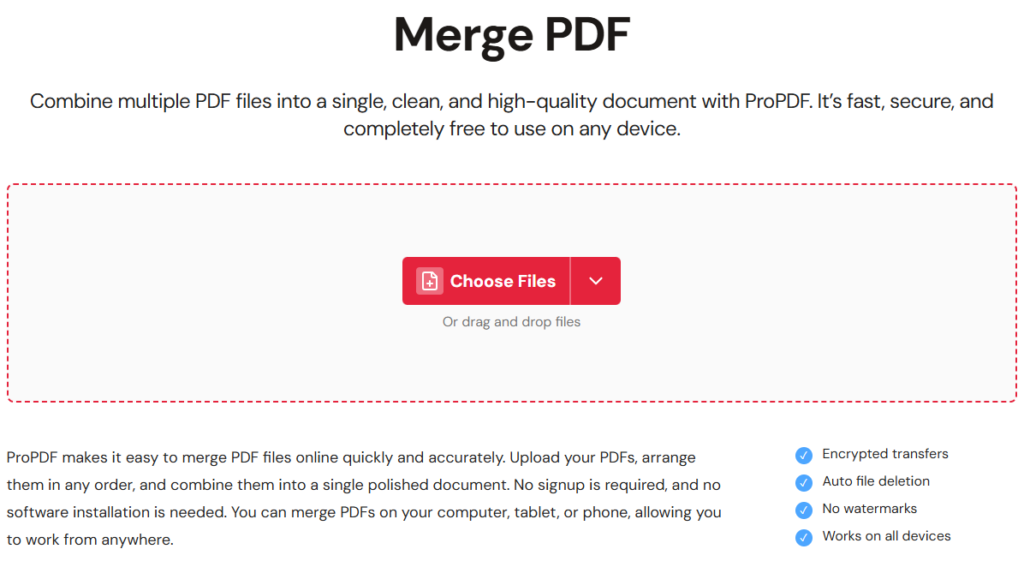
ProPDF stands out among modern web-based PDF tools because it focuses specifically on merging documents.
Instead of offering a long list of unrelated features, ProPDF is built around real PDF workflows. This results in a cleaner interface and faster processing.
You can combine multiple documents in seconds with a simple drag and drop workflow.
Key strengths include:
- Combine PDF files free without creating an account
- fast cloud-based merging
- page reordering before merging
- support for large documents
- browser based processing across Windows, macOS, iOS, and Android
ProPDF also uses a privacy-first model. Files are processed in a temporary environment and removed automatically, making it suitable for sensitive documents like contracts or financial records.
If you work with PDFs regularly, tools built specifically for PDF processing usually provide a smoother experience than platforms that try to do everything.
FreeConvert
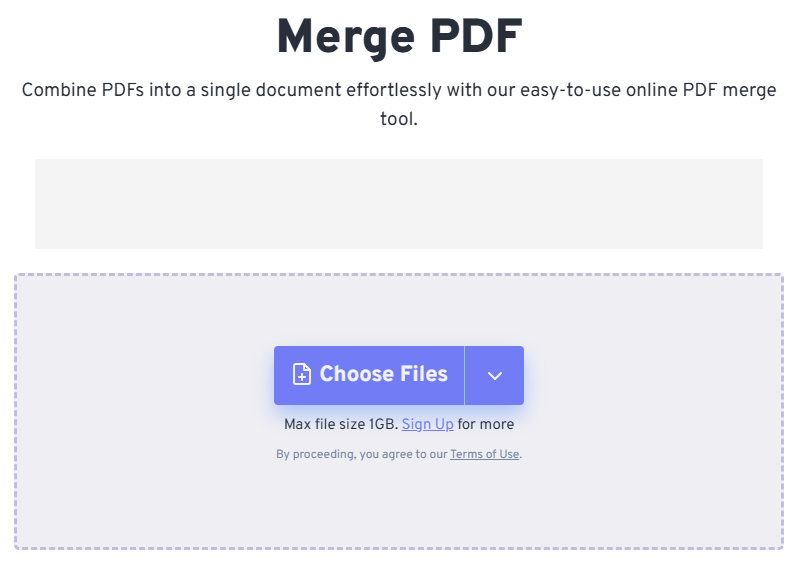
FreeConvert is a well known platform that supports thousands of file conversions. Alongside its conversion tools, it also provides a reliable PDF merging feature.
Users can upload documents directly or import files from cloud storage.
Key capabilities include:
- batch uploads for multiple PDFs
- cloud integration with Google Drive and Dropbox
- drag and drop page arrangement
- large file processing
You can try the tool here
Because FreeConvert supports many file formats, it is often useful for people who regularly convert images, documents, or audio files in addition to merging PDFs.
Smallpdf
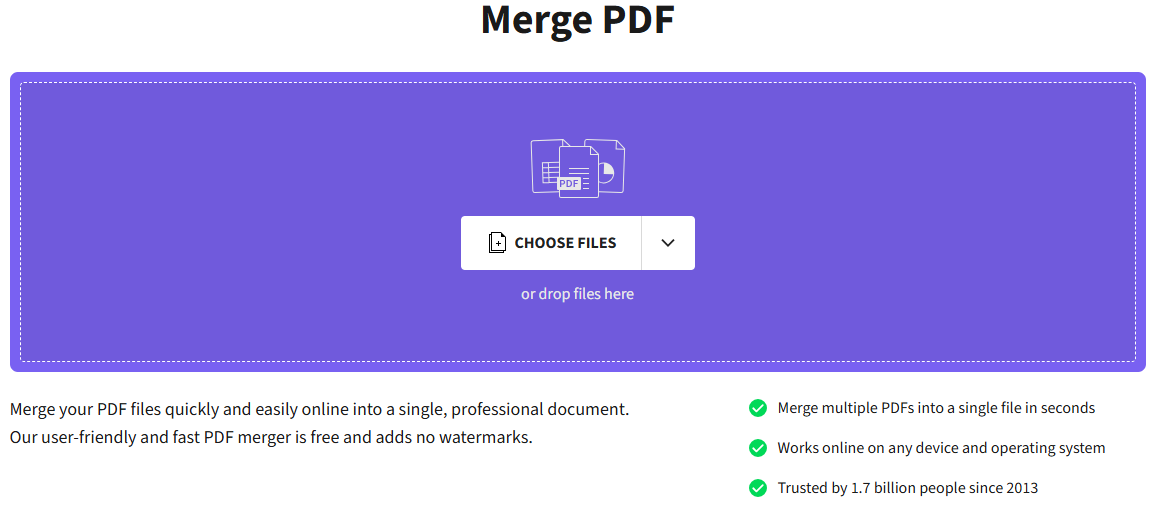
Smallpdf offers a polished interface and a wide set of PDF utilities. The merging tool works well for simple tasks.
However, some free users may encounter usage limits or prompts to upgrade depending on the number of operations performed.
Despite this, Smallpdf remains a popular option thanks to its clean design and reliable performance.
ILovePDF
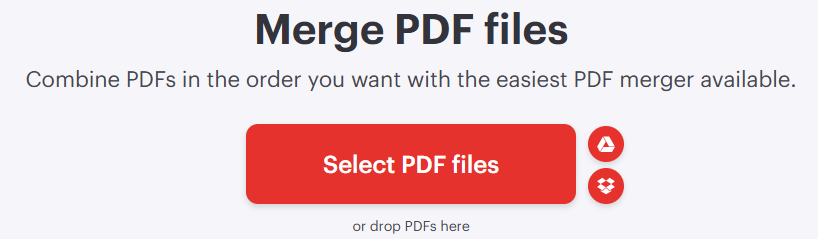
ILovePDF provides many online PDF tools including merging, splitting, compressing, and converting documents.
The platform is widely used and works smoothly on both desktop and mobile browsers.
Some advanced features require upgrading to a premium plan, but the basic merging functionality remains available in the free tier.
PDF Candy
PDF Candy offers a large collection of PDF utilities covering editing, conversion, and merging.
Because PDF Candy includes many tools, its interface can feel crowded compared to more focused solutions.
If you prefer a simpler experience, specialist tools designed for PDF tasks are often easier to navigate.
EaseUS PDF Merger
EaseUS provides both web tools and desktop applications for PDF management.
Many pages encourage you to download desktop software. While these programs can be powerful, some people prefer browser-based tools that require no installation.
Tenorshare PDF Tools
Tenorshare offers PDF editing software with advanced features, including annotation and document conversion.
Most of its PDF merging features require downloading desktop software, which may not suit people looking for a quick web-based solution.
Jotform PDF Merger
Jotform is primarily known as a form building platform. Its PDF merging tool is included as part of its broader document generation features.
While it can merge documents, the tool is not built specifically for PDF workflows.
Platforms built just for PDF tasks usually provide a more streamlined experience.
Comparison of Free PDF Mergers
Below is a simplified comparison of common features across major tools.
| Tool | No Sign-up | File Size Support | Privacy | Ease of Use | Best For |
| ProPDF | Yes | Large files | Strong | Very simple | Dedicated PDF workflows |
| FreeConvert | Yes | Large files | Strong | Simple | Multi format conversions |
| Smallpdf | Limited | Medium | Good | Polished | Casual use |
| ILovePDF | Limited | Medium | Good | Easy | Everyday PDF tasks |
| PDF Candy | Yes | Medium | Good | Moderate | Many PDF tools |
| EaseUS | Often requires download | Large | Good | Moderate | Desktop workflows |
| Tenorshare | Desktop focused | Large | Good | Moderate | Advanced editing |
| Jotform | Yes | Medium | Good | Moderate | Form based workflows |
How to Combine PDF Files Free
If you have never merged PDFs before, the process is simple.
Most tools follow the same workflow.
Step 1: Upload your PDF files
Open the merger tool and upload the documents you want to combine.
Step 2: Arrange the order
Drag and drop files or individual pages to place them in the correct sequence.
Step 3: Merge the documents
Click the merge button. The tool will process the files and create a single combined document.
Step 4: Download the result
Download the merged PDF to your device.
This process usually takes just a few seconds, even for large documents.
Mobile First PDF Merging
More people now work from phones and tablets instead of desktop computers.
Modern PDF mergers are browser-based tools, so they work on any device with a web browser.
Compatible platforms typically include:
- Windows 11
- macOS Sonoma
- iOS
- Android
Most tools work smoothly in browsers such as:
- Chrome
- Safari
- Microsoft Edge
- Firefox
Since these tools run in the browser, you do not need to install any apps or software.
What to Do After Combining PDFs
Once documents are merged, a few additional steps can improve the final file.
Compress the PDF
Merged documents can get large, especially if they include images.
Using a PDF compression tool can reduce the file size and make it easier to send via email or upload to websites.
Add Page Numbers
If your merged document is a report or presentation, adding page numbers makes navigation easier.
Many PDF editors let you add page numbers after merging.
Convert Scanned PDFs with OCR
If your merged file has scanned pages, you may want to make it searchable.
OCR (Optical Character Recognition) analyzes scanned images and turns them into readable text.
This lets you search within the document and copy text when needed.
Common Problems When Merging PDFs
Most PDF merging problems come from corrupted files or incompatible formats.
Typical problems include:
- pages appearing in the wrong order
- broken hyperlinks
- lost bookmarks
- large file upload failures
You can usually resolve these issues with a reliable web-based merger that preserves document structure.
FAQ
How do I combine PDF files free without signing up?
Many web-based tools allow you to upload files directly, arrange the order, and merge them instantly. These tools temporarily process files and then delete them.
Is there a free PDF merger with no file limit?
Some tools support processing large documents in the cloud. Platforms such as ProPDF and FreeConvert handle larger files better than many basic tools.
Can I merge PDFs on my phone?
Yes. Most modern PDF mergers run directly in the browser, so they work on smartphones and tablets without installing an app.
Is merging PDFs online safe?
Reputable tools use encrypted connections and automatically delete uploaded files after processing.
What happens to my files after merging?
Most services remove uploaded files after a short period of time, usually within one or two hours.
Final Thoughts
Free PDF merging tools have improved significantly in recent years. Many now let you combine PDF files for free without creating an account, making the process faster and more private.
When choosing a tool, focus on file limits, privacy protections, and a simple interface.
Specialist PDF tools like ProPDF offer a streamlined experience if you work with documents often. Broader platforms like FreeConvert offer flexible options for converting many file types.
If you want to go beyond merging and explore additional PDF editing tools, check out TheBusinessDive’s best PDF editors list.
Both approaches work well depending on your workflow. The key is to choose a tool that securely processes files, efficiently handles large documents, and keeps merging simple.